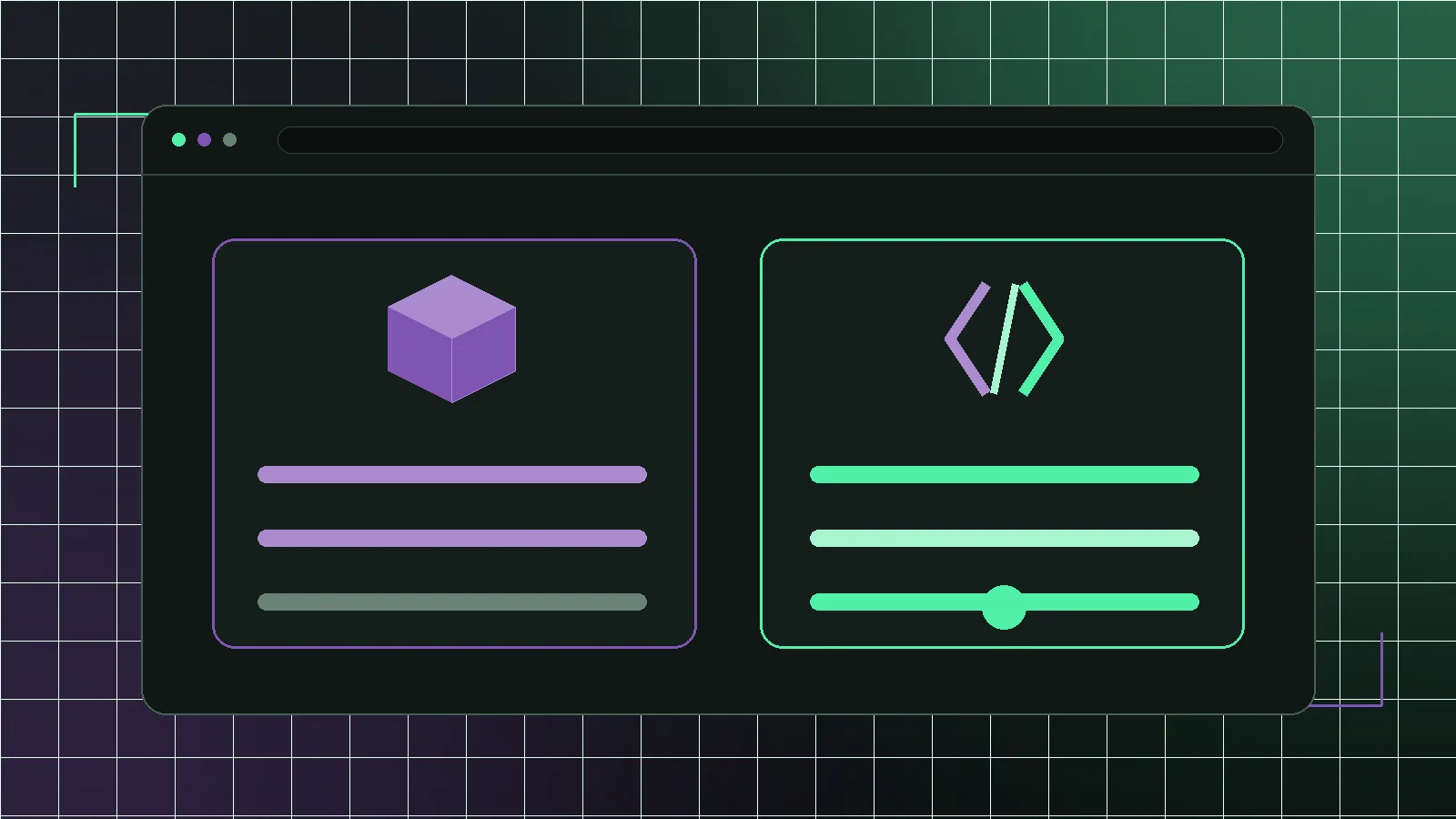
"WooCommerce vs Next.js" is one of the most-searched comparisons in ecommerce development, and it is a category error. WooCommerce is a commerce backend: products, stock, orders, tax, shipping, payments, an admin your team uses daily. Next.js is a React framework for building the interface: pages, routing, rendering, caching. They occupy different layers of the same stack, and the most common production setup for serious stores uses both.
But the question is not stupid, because it stands in for a real one. What people usually mean is: should the shop that customers load be a WordPress theme rendered by WooCommerce, or a separate application built in Next.js that reads from it? That is a genuine architectural decision with real trade-offs.
What each layer is actually responsible for
WooCommerce owns the commerce logic. It knows what a product is, what a variation costs, how much tax applies in a jurisdiction, which shipping methods are available, what a coupon does, whether a payment succeeded and what state an order is in. Rebuilding that is not a weekend project — US sales tax alone spans thousands of taxing jurisdictions — and it is why replatforming is expensive.
The theme layer is a separate concern that happens to ship in the same box. It decides what the shopper sees: templates, markup, styling, scripts. That layer is where most performance problems live, and — crucially — it is the layer you can replace without touching anything above.
The real comparison: theme or application
So the honest framing is not WooCommerce versus Next.js. It is: WooCommerce with a theme, or WooCommerce with a Next.js storefront. Both keep the same backend. The difference is who controls what the browser downloads and executes. If nobody on your side can read a pull request, the theme is the right answer regardless of what the benchmarks say — a storefront you cannot change is worse than a slow one you can.
- Theme: fast to launch, cheap, editable by non-developers, performance capped by the theme's architecture
- Next.js storefront: full control of payload and rendering, needs a developer, higher setup cost
- Both: same WooCommerce backend, same admin, same orders and payments
- The choice is about the frontend layer only — nothing above it changes
Where a theme wins
A well-built theme is the right answer more often than this industry admits. It launches in days, not weeks, on a licence around $60 a year. Non-technical staff can change a homepage without a deployment. Plugins that render into the frontend just work, because that is what they were built for. And the total cost of ownership is a licence and a hosting plan, with no codebase and no dependencies under it.
For a store with a modest catalogue, no unusual selling rules and nobody to own a codebase, a tuned theme on decent hosting will outperform an under-maintained custom storefront every time. The failure mode is not the theme — it is thirty plugins layered on top of it.
Where a Next.js storefront wins
The advantage is control over what loads. A theme ships the markup, styles and scripts for every feature it supports, whether or not your store uses them. A custom storefront ships what you wrote. On mobile, on mid-range devices, that difference is the gap between passing and failing Core Web Vitals — and it is why stores that have already tried caching and image optimisation still fail their field data.
You also get rendering strategy as a design decision: statically render catalogue pages, revalidate them when products change, keep price and stock live at the moment of adding to cart. And you get templates designed around your buying path, where a theme designs them around its options screen.
The costs nobody puts in the comparison
A Next.js storefront is a codebase. Dependencies need updating, someone needs to deploy it, and "change the hero image" becomes a task and not a click unless you build the editing experience deliberately. You are also paying for two hosting arrangements instead of one, though the WordPress side often gets cheaper once it stops serving customer traffic.
And frontend plugins do not carry over. Anything that rendered into the theme — filters, sliders, review widgets, popups — needs an API-based replacement, a rebuild as a component, or a decision to drop it. That inventory is the honest core of any quote.
How to decide in an afternoon
Measure Time to First Byte on an uncached page and compare it against your field data for LCP and INP. Poor TTFB means the bottleneck is hosting or the database, and a new frontend fixes nothing. Good TTFB with poor LCP and INP means the browser is doing too much work, which is exactly what a custom storefront addresses. Then ask the second question: is there anyone to own a codebase in eighteen months? If the answer is no, the architecture decision is already made.
WooCommerce is not competing with Next.js. Your theme is — and it is losing on mobile while keeping everything else that works.
The version most stores should actually consider
Keep WooCommerce. Audit the plugin stack, then fix hosting and images. Plenty of stores never need the next step, because the unglamorous week delivers most of what was available. If field data still fails after that, replace the theme layer with a Next.js storefront while WooCommerce keeps products, orders and checkout exactly as they are. That is the version with the best risk-to-reward ratio, and it is reversible in a way replatforming never is.