Redesign the WooCommerce storefront, not the business
Get a faster, cleaner customer experience without moving products, retraining the team or gambling with checkout.
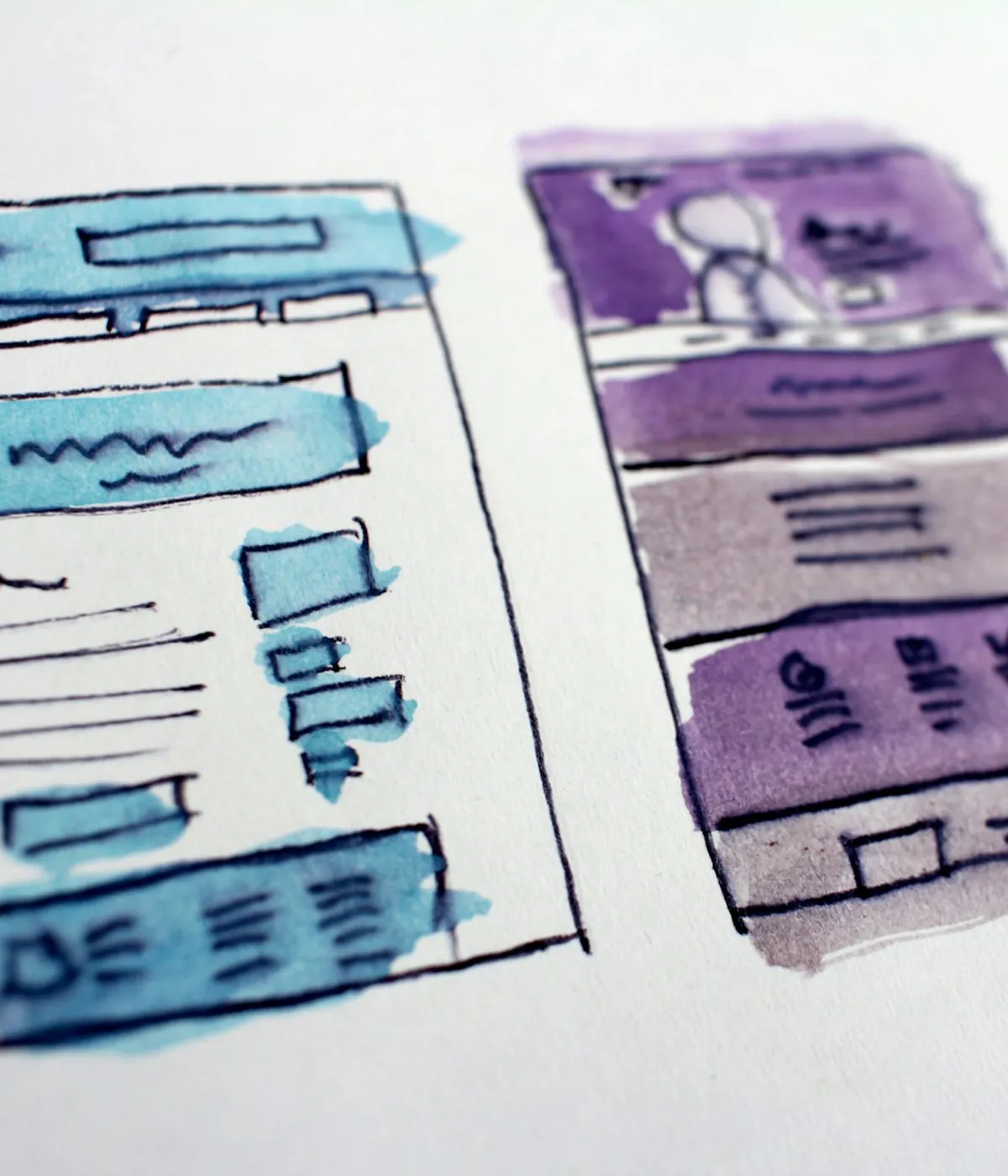
Most WooCommerce redesigns stop at colours and templates. The bigger lever is the customer journey: how quickly a category loads on a phone, how clearly a product page answers objections, how little friction sits between the add-to-cart tap and a completed order. A conversion redesign treats those as the deliverable and treats the visual refresh as a side effect, not the goal — and it does all of it with WooCommerce still running the store behind the scenes.
Conversion problems are usually frontend problems
When a WooCommerce store converts poorly on mobile, the cause is rarely the offer. It is the delivery — a category page that takes four seconds to become interactive, a filter that reloads the whole page, a product template buried under tabs and upsells, a layout that shifts as images and badges arrive. Each of those adds a moment of hesitation, and hesitation compounds down the funnel. A redesign worth doing removes that friction. Repainting the same theme in new colours does not.
- Slow, janky mobile pages that lose shoppers before they engage
- Filters and sorting that feel heavy or reset the view
- Product pages that hide price, stock and the buy action below the fold
- Layout shift from late images, notices and promo blocks
Redesigning category and product pages
The category page is where most sessions decide whether to continue, so it gets a clear grid, fast filtering with shareable URLs, and images sized to avoid shift. The product page is rebuilt around the decision the shopper is making: price, variations, stock and a sticky mobile add-to-cart stay visible, trust signals sit next to the buy button, and secondary content (specs, reviews, shipping) is available without pushing the essentials down. The work is to shorten the path from interest to intent on the two templates that carry the catalogue.
Mobile-first cart and checkout trust
Cart abandonment often starts before checkout, in a cart that hides the total, buries the coupon field or raises last-minute doubts about shipping and returns. The redesign makes the cart honest and quick — visible totals, obvious coupon entry, clear delivery and return messaging — then hands off to a checkout that shoppers already trust. The delivery promise belongs in shippingDetails as well as on the page, so the search result and the cart do not disagree. By default that handoff keeps the native WooCommerce checkout through a hybrid model, so payment, tax and shipping plugins behave exactly as they do today while the surrounding experience gets faster.
Why keep WooCommerce
Your team already runs products, orders, discounts, refunds and reporting in WordPress. Replatforming throws that knowledge away and introduces migration risk for no direct conversion benefit. A conversion redesign keeps WooCommerce as the business backend and rebuilds only the customer-facing storefront, so the people running the store keep their tools while shoppers get a faster, clearer experience. The test is simple: if anyone on your team needs retraining, you are buying a replatform and paying for a redesign. That is a difference of three months and a data migration, not of line items.
Measuring the redesign
A redesign that cannot be measured is a repaint. Before launch, we baseline the templates that matter — category, product, cart and the checkout handoff — for Core Web Vitals and for funnel behaviour in analytics. After launch we compare the same templates on real traffic. Add-to-cart rate, cart-to-checkout progression and mobile Core Web Vitals, never a single homepage score. Field data takes time, so the plan compares before and after on the same journeys instead of guessing from a lab test.
- Baseline category, product, cart and checkout before any change
- Track add-to-cart rate and cart-to-checkout progression, not just pageviews
- Watch mobile LCP, INP and CLS on revenue templates in field data
- Compare the same journeys before and after, with enough time to be real
Test the redesign, don't just believe it
A redesign is a hypothesis, and the honest way to treat it is to prove it, because looking better is not evidence that it worked. Where traffic allows, roll out changes so their effect can be isolated — one meaningful change at a time, not a dozen at once, so you know which one moved the number. Give each test enough traffic and enough time to be more than noise, and read whole-funnel metrics — add-to-cart, cart-to-checkout, completed orders — and not a vanity bounce rate. When volume is too low for a clean A/B test, a careful before-and-after on the same templates and seasonality is the honest fallback. 'It feels better' is not evidence; a measured lift on the templates that carry revenue is.
- Change one meaningful thing at a time so you can attribute the result
- Give each test enough traffic and time to clear noise
- Judge on funnel metrics, not bounce rate or time on page
- Low traffic? Use a disciplined before-and-after, not a guess
When a redesign is not the answer
Sometimes the honest recommendation is to wait. If the store has little traffic, no clear product-market fit, or the drop-off is driven by pricing, stock or acquisition and not by the storefront, a redesign will not fix the number. It is also the wrong first step if a targeted cleanup — image work, caching, one misconfigured plugin — would recover most of the speed. The audit exists to separate a genuine conversion problem from a problem a redesign cannot solve.
Frequently asked questions
Is this a full replatform?
No. WooCommerce remains the backend for products, orders and checkout. We redesign and rebuild only the customer-facing storefront layer.
Can you promise a conversion uplift?
No honest team can promise a percentage without your data. We design for speed, clarity and trust on the templates that carry revenue, then measure the actual result on your traffic.
Will checkout change?
By default checkout stays native WooCommerce through a hybrid handoff, so existing payment, tax and shipping plugins keep working exactly as they do now.
How do you know the redesign worked?
We baseline category, product, cart and checkout before launch, then compare the same journeys afterwards on Core Web Vitals and funnel metrics, not on a single homepage score.
WooCommerce speed optimization
When caching plugins aren't enough: rebuild the WooCommerce frontend for real speed. Faster category, product and checkout pages. Start with a free audit.
WooCommerce redesign without losing SEO
Redesign WooCommerce safely with URL parity, metadata preservation, schema checks, staging validation and a rollback plan.
WooCommerce to Next.js
Move your WooCommerce store's frontend to Next.js without leaving WordPress. Faster storefront, preserved SEO, and a migration plan. From $1,999, not $70k.
Increase online store sales
Sales come down to traffic, conversion rate, average order value and repeat rate. Work out which of the four is weakest before you spend on ads or a redesign.
See how many sales your store is losing
Start with a free speed audit. You'll get your store's real numbers and an honest recommendation — even if it's "you don't need us".