Next.js storefront for WooCommerce operations
A production storefront layer for WooCommerce stores that need speed, SEO control and cleaner UX without switching commerce platforms.
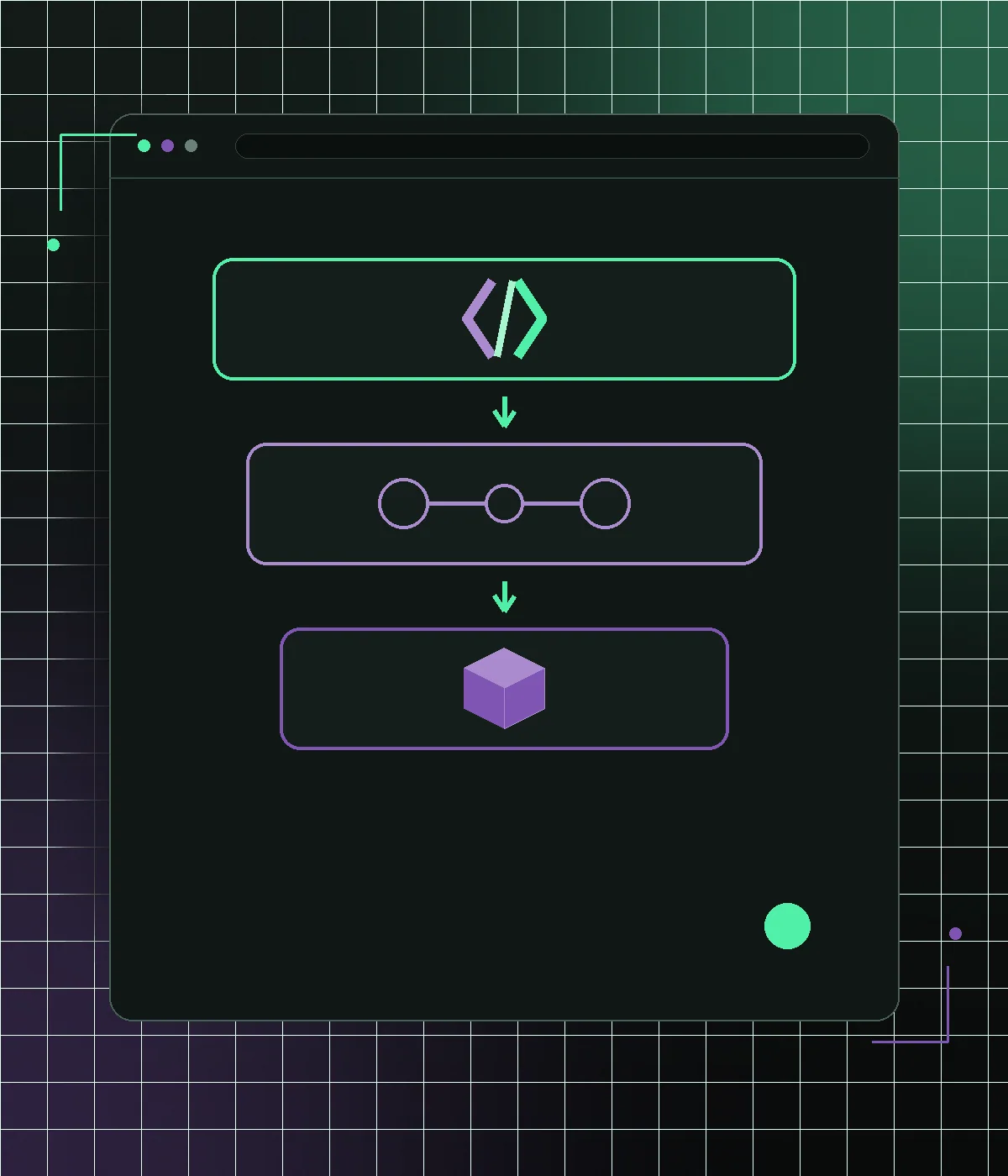
A Next.js storefront is not the same thing as a generic ecommerce template. For a WooCommerce business, it is the customer-facing layer that replaces a heavy theme while WordPress remains the operating system. NextWoo focuses on production storefront architecture: product and category pages, cart handoff, metadata, analytics, deployment and launch safety for stores that already depend on WooCommerce.
What a Next.js storefront changes
The storefront is the part shoppers and crawlers load: homepage, category pages, product pages, cart UI, search, content sections and campaign landing pages. In a classic WooCommerce build, those pages are rendered by a WordPress theme plus plugins and builder assets. In a NextWoo build, those pages are rendered by Next.js while WooCommerce continues to manage products, prices, stock, orders, coupons, users and checkout. This separation lets the frontend become faster and more deliberate without forcing the business into a new backend.
- Changes: customer-facing templates, navigation, product cards, PDPs and content sections
- Stays: WooCommerce catalog, WordPress admin, order workflows and native checkout option
- Improves: mobile rendering, image handling, metadata control and deployment workflow
- Requires: API mapping, plugin audit, SEO parity and checkout handoff testing
Why this is different from a starter template
A starter template proves that pages can render. A production storefront has to survive real catalog rules, plugin constraints, analytics, redirects, seasonal campaigns and checkout edge cases. It needs component decisions for product cards, variation states, filters, recommendations, breadcrumbs, schema, Open Graph images and empty states. NextWoo treats the storefront as a migration project and not as a code demo, because the hard part is preserving WooCommerce operations while changing the layer customers experience.
- Real product, category, cart and content templates instead of placeholder demo routes
- SEO migration plan for URLs, canonicals, metadata, schema and internal links
- Analytics and consent checks for GA4, pixels and checkout handoff events
- Staging QA for product variations, coupons, stock states and test orders
Data layer: REST API, Store API and WPGraphQL
A WooCommerce storefront can read data through different paths depending on the catalog and content model. The Store API is useful for cart and customer-facing commerce flows. The REST API is common for products, categories, orders and operational data. WPGraphQL can be useful when WordPress content, SEO fields and custom content models need cleaner query shapes. The right storefront design does not pick an API for fashion; it chooses the data layer based on performance, plugin compatibility, cache behavior and the templates that must be rendered.
- Use Store API patterns where cart and shopper-facing commerce state matter
- Use WooCommerce REST API for stable catalog and operational data access
- Use WPGraphQL when content-rich WordPress templates need structured queries
- Use ISR and webhook revalidation so pages stay fresh without slow runtime rendering
SEO and performance responsibilities
Moving to a Next.js storefront does not automatically protect SEO. The new frontend must deliberately render crawlable product and category content, preserve canonical URLs, map metadata from Yoast or Rank Math, output structured data and keep hreflang stable where multilingual pages exist. Performance also becomes a responsibility: LCP images, INP interactions, CLS sources, route-level JavaScript and third-party scripts need budgets. Next.js gives the tools, but the migration plan decides whether those tools are used safely.
- Render important content in HTML for crawlers and shoppers
- Preserve or redirect URLs before switching production traffic
- Control next/image usage, font loading, layout stability and route-level scripts
- Verify sitemap, robots, Search Console and schema after launch
Where the storefront can run
The frontend can be deployed on platforms such as Vercel or another Node-compatible host while WooCommerce stays on WordPress hosting. This split is useful because the customer-facing application can use edge caching, preview deployments, rollbacks and modern CI without moving the commerce database. The backend still needs healthy hosting, secure webhooks and reliable API responses. A good storefront architecture improves the browser experience but does not pretend infrastructure and WooCommerce maintenance disappear.
Who should choose this page instead of the template page
This page is for owners and teams evaluating the storefront architecture as a business change. The template page is for people comparing a packaged starting point or implementation asset. If the question is whether WooCommerce can keep running while the customer-facing frontend becomes faster, this storefront page is the right entry point. If the question is what comes in a reusable Next.js ecommerce template, the template page should answer that narrower developer and buyer intent.
What the storefront is made of, template by template
A storefront is not one page; it is a set of templates that each have a job. The category template has to filter and paginate a real catalogue without a full round trip. The product template has to present imagery, variants, stock and the add-to-cart within the first screen on a phone. The cart has to update without feeling like a page load. Search has to tolerate typos and part numbers. Account and order pages have to work for guests through a secure link. That is six templates before anyone has drawn a homepage. Ask any supplier to list which of them they are building, because a quote that says "storefront" without naming all six is a quote for something unspecified.
How prices and stock stay honest under caching
The speed comes from serving pre-rendered pages, and the risk is showing a price or an availability that has since changed. The arrangement that works: catalogue content is cached aggressively and invalidated when a product is updated, while price and stock are re-checked at the moment a shopper adds to cart, and again at checkout. That means a stale page can never turn into a wrong order. In practice a catalogue page can sit five minutes stale and still be safe, while the add-to-cart call is never cached at all. Any supplier who cannot describe how their build handles this has not run a storefront where a promotion changed prices mid-afternoon.
What it costs to keep running
A storefront is a codebase, and it needs the same care as any other: dependency updates, a place to deploy from, someone who can change it. Budget for hosting the application, a few hours a month of maintenance, and a plan for who responds when a dependency ships a breaking change. Against that, the WordPress side usually shrinks and frontend plugin licences fall away. The honest framing is not cheaper or more expensive but different: you trade a monthly licence for control, and control has an owner or it decays.
Frequently asked questions
Can WooCommerce run a Next.js storefront?
Yes. WooCommerce can remain the backend for catalog, orders and checkout while Next.js renders the customer-facing pages. The implementation needs API mapping, cache rules and checkout handoff testing. No platform switch is involved.
Is a Next.js storefront only for WoodMart stores?
No. It can apply to any WooCommerce store where the current frontend is the constraint: WoodMart, Flatsome, Elementor, custom themes, page builders or plugin-heavy builds.
Does this replace checkout?
Not by default. NextWoo usually keeps hybrid checkout so WooCommerce continues to handle payment gateways, tax, shipping, coupons and order emails unless a full headless checkout is scoped separately.
How is this different from a Next.js ecommerce template?
A template is a starting package. A storefront architecture includes migration planning, real catalog behavior, SEO parity, analytics, deployment, staging QA and production launch checks for an existing store.
Will this improve Core Web Vitals?
It can improve LCP, INP and CLS when the current frontend is the bottleneck. Results still depend on images, third-party scripts, backend response time, implementation quality and real-user field data.
Next.js storefront
How a Next.js storefront replaces the WooCommerce theme layer: App Router rendering, server components, an API data layer and selective hydration for a fast frontend.
WooCommerce on Vercel
Deploy a fast Next.js WooCommerce storefront on Vercel while WordPress keeps products, orders, checkout and store operations.
Headless WooCommerce migration
Move WooCommerce to a fast Next.js storefront without losing WordPress operations, hybrid checkout, SEO URLs or plugin control.
Next.js template for WooCommerce
A production-ready Next.js storefront template for WooCommerce. Product pages, cart, SEO and Core Web Vitals built in. Set up and customized for your store.
WooCommerce to Next.js
Moving a WooCommerce storefront to Next.js: what happens to products, cart, checkout and SEO, the order of work, the cost, and when not to do it.
See how many sales your store is losing
Start with a free speed audit. You'll get your store's real numbers and an honest recommendation — even if it's "you don't need us".