If you run a WooCommerce store, you've probably seen the word “headless” thrown around as the fix for a slow site — usually with enough technical jargon to make it sound like a decision only your developer can understand. It isn't that complicated. This guide explains what headless WooCommerce actually is, how it works under the hood, what it does to your checkout and SEO, and when it's genuinely worth it.
The simple definition
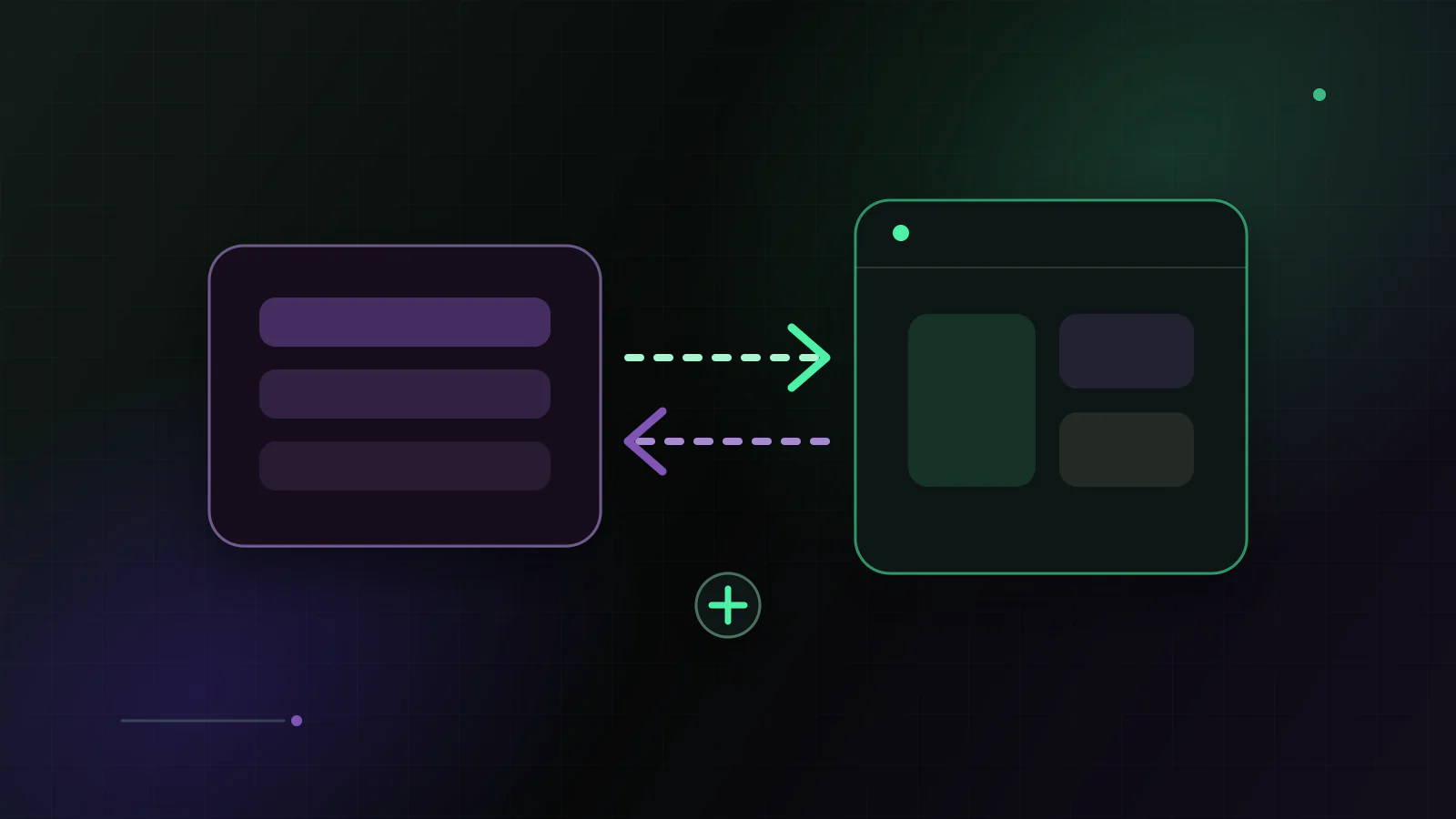
A normal WooCommerce store does two jobs with one piece of software: WordPress manages your business (products, orders, stock) and also draws the pages your customers see, using a theme. “Headless” just means splitting those two jobs apart. WordPress and WooCommerce keep running the business in the background — the “body” — while a separate, modern application draws the storefront your customers browse — the “head.”
The two halves talk to each other over an API. Your products, prices and stock still live in WooCommerce; the storefront simply asks WooCommerce for them and displays them. Nothing about your admin changes.
A restaurant analogy helps. Today, one team both cooks the food and serves the tables. Headless hires a dedicated front-of-house. The kitchen (WooCommerce) still makes everything, but a faster, purpose-built team (the storefront) handles what customers actually see and touch. The food is identical; the experience at the table is quicker and smoother.
Why anyone bothers
The reason is almost always speed. A WooCommerce theme rebuilds every page on your server on every visit, and ships a large bundle of scripts and styles to every visitor. That's why the average WooCommerce store scores poorly on Google's mobile PageSpeed test. The problem is architectural, not something a single setting fixes.
A headless storefront — commonly built with Next.js — takes a different approach: it pre-renders pages and serves them from a global CDN with optimized images and minimal JavaScript. The result is a store designed for fast loading and green Core Web Vitals, which matters both for conversions and for mobile search rankings.
What stays exactly the same
- Your WordPress admin — same login, same screens, same workflow
- Your products, orders, customers and stock — all still in WooCommerce
- Your payment methods, taxes and shipping — unchanged by default
- Admin-side plugins (accounting, email, exports) — untouched
How headless WooCommerce works under the hood
You don't need to be a developer to understand the moving parts. Three things make a headless store work: an API, a rendering strategy, and a content delivery network (CDN).
The API is how the storefront asks WooCommerce for data. WooCommerce offers two you'll hear about: the built-in REST API and Store API, and WPGraphQL with the WooGraphQL extension. Both do the same core job — hand product, category and cart data to the storefront in a clean, structured form — so the choice between them is a technical detail that never changes your admin.
Rendering is when and where each page is built. A traditional theme builds every page on the server the moment a visitor asks for it. A headless storefront can build product and category pages ahead of time and refresh them on a schedule — often called static generation and incremental regeneration — so most visitors receive a page that is already finished. Pages that must be personal, like the cart, are still built on demand.
The CDN is a network of servers around the world that keeps copies of those finished pages close to your shoppers. Instead of every request travelling back to one WordPress server, the page is served from a nearby location. Together, these three choices are why a well-built headless store feels instant while the same catalogue on a heavy theme feels sluggish.
The parts of a headless setup
Put plainly, a headless WooCommerce store has five layers, and only one of them is new to you:
- WooCommerce backend — your existing products, orders, stock and admin, unchanged
- An API layer — how the storefront reads WooCommerce data (REST/Store API or WPGraphQL)
- A frontend framework — usually Next.js — that builds and renders the storefront
- Hosting and a CDN — where the storefront lives and how it is delivered fast
- A checkout model — how a shopper pays, which deserves its own decision (next)
Checkout: hybrid vs fully headless
Checkout is the part store owners worry about most, and rightly so — it is where money changes hands and where payment, tax and shipping plugins all interact. There are two ways to handle it.
A hybrid checkout keeps the native WooCommerce checkout. The fast storefront handles browsing, the cart and everything up to payment, then hands the shopper into WooCommerce's own checkout to pay. Your gateways, tax rules and order emails keep working exactly as they do now. This is the safer default and what most stores should start with.
A fully headless checkout rebuilds the payment flow inside the storefront too. It removes the handoff and keeps the shopper on one domain, but it means re-implementing gateway integrations and re-testing every tax and shipping rule. Below roughly 1,000 orders a month that work rarely pays for itself, because the handoff costs you a fraction of a percent of checkout completion, and rebuilding it costs you the correctness of the one flow where money moves.
The honest trade-offs
Headless isn't magic and it isn't free. You now run two systems instead of one, which means a bit more to maintain. Plugins that render something on your storefront (not in the admin) need to be checked for compatibility, and a store built on dozens of frontend plugins may not be a good fit at all. And any change to your storefront carries SEO risk if it's done carelessly — which is why a proper migration preserves your URLs and redirects.
There is also a content workflow change to plan for. In a theme, marketing pages are often edited in a page builder. In a headless setup, that content either comes from WordPress as data or from a dedicated CMS, and some layout changes may involve a developer. It's a worthwhile trade for the speed, but it's a change of habit worth knowing about up front.
Headless solves a speed problem by changing the architecture — not by promising a magic score. Done right, it's a safe upgrade; done carelessly, it can cost you rankings.
What headless does not fix
It's just as important to know what headless won't do, so you don't buy it expecting the wrong outcome.
- A slow or overloaded WordPress admin — that is TTFB, a hosting and database matter
- Messy product data, duplicate content or thin category pages — those follow you across
- A checkout that's slow because of one specific gateway or plugin — that needs its own fix
- SEO problems caused by weak information architecture, where speed was never the issue
- A store with no traffic or unproven demand — speed can't create demand that isn't there
Headless, a faster theme, or replatforming?
Most store owners are really choosing between three paths, not deciding for or against a buzzword.
Optimising or switching to a lighter theme is the cheapest option and often enough for newer or lower-traffic stores; you stay fully inside WordPress. Going headless keeps WooCommerce but replaces the storefront, which lifts the performance ceiling a theme can't — the right call when the theme itself is the bottleneck. Replatforming to something like Shopify replaces the whole system, including the admin your team knows, and carries the most operational change and risk. Headless is the middle path: a major frontend upgrade without abandoning the backend you rely on.
Is it only for big stores?
You'll often read that headless is only worth it for stores doing millions in revenue, because it's framed as a six-figure custom rebuild. That's true if you start from scratch. But starting from a proven storefront template changes the math entirely: the upfront cost drops by an order of magnitude, which moves the break-even a long way down. The number that decides it is not revenue, it is mobile traffic: a store where 60% or more of sessions arrive on a phone and mobile LCP sits above 4 seconds has something measurable to gain. A store with 300 monthly sessions, a fast theme and no organic traffic does not — there the same budget buys photography and product copy, and those will move more revenue than any rendering change.
SEO when you go headless
Because you're changing how pages are built, SEO is the part to protect most carefully — and it's entirely protectable when the migration is done properly.
The core rule is parity: keep your URLs the same wherever possible, and where a URL must change, add a 301 redirect from the old one. Beyond that, your page titles, meta descriptions, canonical tags, Open Graph data, breadcrumb and product structured data, hreflang for multiple languages and your sitemap all need to be reproduced by the new storefront and checked before launch. A careful team validates this on a staging site and monitors Search Console after the switch. Done this way, a headless migration is SEO-neutral at worst and a gain at best, because faster mobile pages are themselves a ranking signal.
Signs you're ready — and signs you're not
You're likely a good fit if:
- Your mobile Core Web Vitals stay red after caching, image and hosting work
- Category and product pages are slow because of theme and plugin weight, not the server
- You have real traffic or ad spend where speed has a direct revenue cost
- You want a redesign without leaving WooCommerce or retraining your team
It's probably not the right time if:
- A caching plugin, image optimisation or better hosting would fix most of the speed
- Your store is new or hasn't proven demand yet
- Your buying experience depends on many frontend plugins that would all need rebuilding
- You're planning to leave WooCommerce soon anyway
What a migration looks like, step by step
If you do decide to go headless, it helps to know the shape of the work, because the safety of a migration lives in its process and not in its code. A sensible sequence looks like this:
- Audit: measure current mobile Core Web Vitals, list every plugin, and map your URLs and checkout dependencies
- Scope: decide what moves to the new storefront now and what stays native, including the checkout model
- Build on staging: connect the Next.js storefront to WooCommerce and rebuild the key templates against real data
- SEO parity: reproduce metadata, structured data, canonicals and hreflang, and prepare the 301 redirect map
- Test: place real test orders, confirm analytics events fire, and validate every important template
- Launch and monitor: switch DNS with a rollback plan ready, then watch Search Console and orders closely
None of these steps is glamorous, and that's the point. The product grid is the easy part; the audit, the redirect map and the staged, tested launch are what protect your traffic and your orders. A migration that skips them is where the horror stories come from.
How to decide
Start by measuring. If your store is slow because of hosting or unoptimized images, a caching plugin and a CDN are the cheaper fix and you don't need headless yet. If the theme itself is the ceiling — heavy scripts, poor mobile performance, layout shift — that's exactly what a headless storefront is built to solve. A free speed audit will tell you which case you're in before you spend anything.