How a headless WooCommerce storefront is built, layer by layer
The architecture in working detail: the API layer, how each template renders, where the cart session lives, which domain WordPress sits on, and what breaks when one of those is wrong.
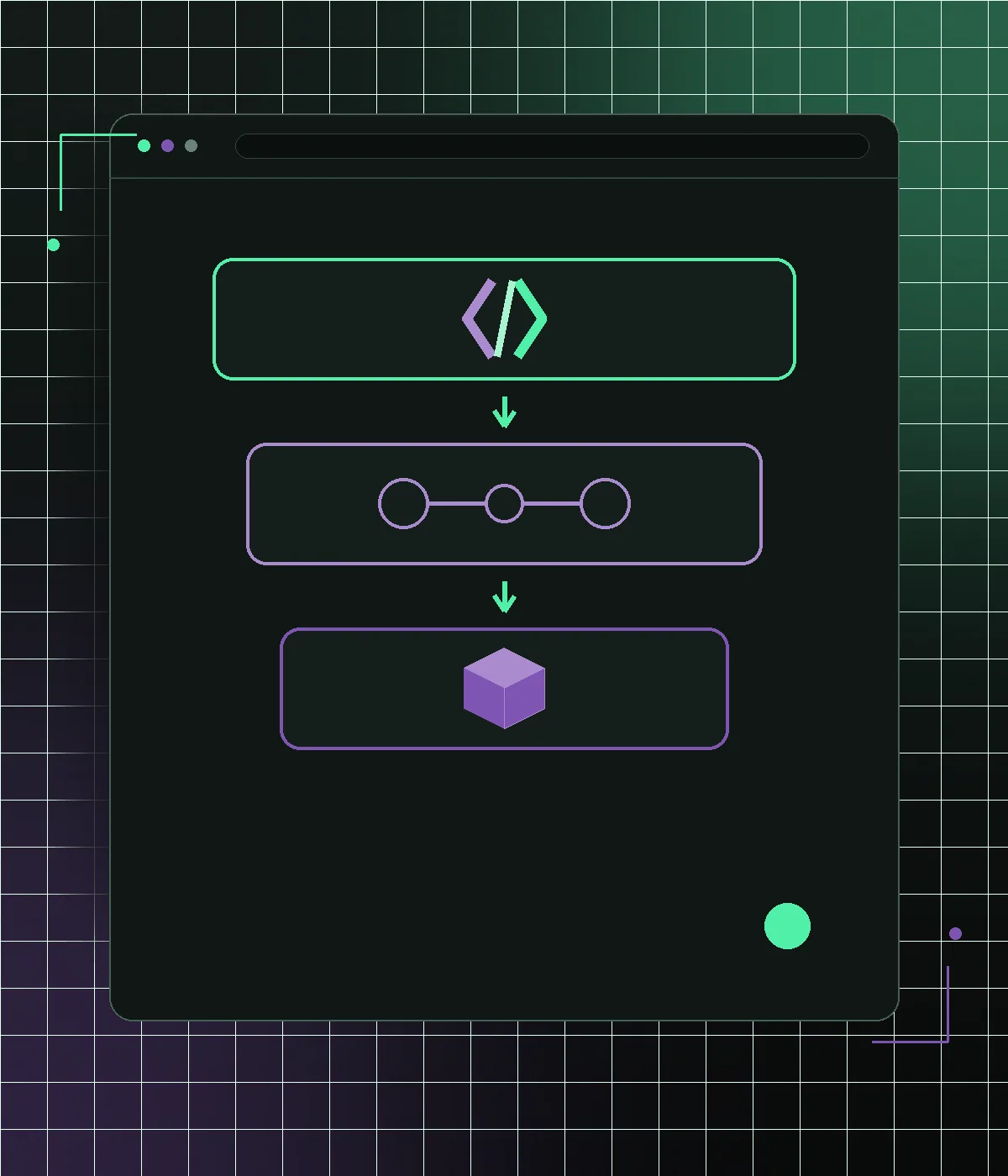
A headless WooCommerce storefront separates the shop your customers see from the WordPress installation that runs the business. WooCommerce keeps products, stock, orders, coupons, customers, tax and payments; a separate application, usually Next.js, renders the pages and talks to WooCommerce over its APIs. That is the whole idea, and the rest of this page is how it is wired: the pieces, rendering per template, the cart session, the checkout decision, the domain layout, SEO data and hosting. Whether your store needs one is a separate question with its own test, and what a build costs and how the project runs are on the headless WooCommerce migration page.
What the pieces are, concretely
Four components, and it helps to name them properly. WordPress with WooCommerce remains the backend and the admin your team already uses. An API layer exposes the data — either the WooCommerce REST API, which is native and stable, or WPGraphQL with its WooCommerce extension, which gives you cleaner shapes for content-heavy stores. A Next.js application renders the customer-facing pages, fetching from that API and caching aggressively, and a hosting layer serves it, usually on a platform built for that job. Nothing else is required. Every additional service you add should have to justify itself.
- WordPress + WooCommerce: unchanged backend and admin
- REST if the catalog is ordinary; WPGraphQL if editorial content sits alongside it
- The Next.js app is a codebase, not a theme — somebody has to own it
- Two hosting bills, and the WordPress one usually gets smaller
How each template renders
Rendering is chosen per route. Two questions decide it: how often the data changes, and whether it belongs to one shopper. Category and product pages are generated ahead of time and revalidated, because their content changes when someone edits WooCommerce, not when a visitor arrives. Search results and filtered listings render on request, since the filter combinations are effectively unlimited and pre-building them wastes build time. Cart, account and order pages are never cached at all. A theme makes none of these choices. It assembles every uncached page in PHP and ships one bundle to every route, which is why the share of JavaScript the Coverage tab in Chrome DevTools reports as unused looks the same on a theme's category page as on its contact page. The rendering mechanics, server components included, are on the Next.js storefront feature page.
Checkout is the decision that defines the project
Most headless projects succeed or become expensive here, and the fork is three-way. Keep native WooCommerce checkout and hand the shopper over to it — the default, because payment, tax, shipping, fraud and subscription logic stay untouched and every gateway keeps working. Build a custom checkout on the Store API, which keeps the shopper on one domain and hands you ownership of correctness in the most sensitive flow in the business. Or use a hybrid: fast custom cart, native checkout. For most stores the third is right, and anyone recommending a fully custom checkout should be asked what it buys you that a faster cart does not. The handoff itself is covered on hybrid checkout.
- Native handoff: safest, keeps every gateway and rule intact
- Custom checkout: best UX, you own the risk and the maintenance
- Hybrid cart: the pragmatic middle most stores should start with
- Whatever you pick, test refunds and failed payments before launch
How data gets from WooCommerce to the storefront
Naively fetching product data on every request just moves the slowness to a new server. A working storefront caches at the framework level and revalidates on a schedule or on demand. It must not dump the whole cache when one product changes. Prices and stock are the fields that must never be stale — a page showing a price you will not honor is worse than a slow page. The practical arrangement is aggressive caching of catalog content with on-demand revalidation keyed to a cache tag per product, so an edit in WooCommerce rebuilds only that product's pages. WooCommerce already ships the trigger. A webhook on the product.updated topic, set up under WooCommerce → Settings → Advanced → Webhooks, calls a storefront route that revalidates that one tag. Add a live check at the moment of adding to cart, which goes to the Store API (WooCommerce's cart and checkout API), the same source the checkout reads a moment later.
Where the cart session lives
The cart belongs to WooCommerce, and the storefront only holds a key to it. The Store API at wc/store/v1/cart returns a Cart-Token header on the first cart request; the storefront keeps it and sends it back on every request after that, and with a token present the API no longer asks for the nonce that cookie-based sessions need. The decision with consequences is where the token is kept. In an HttpOnly cookie on the storefront's own domain, forwarded by the server, it survives a reload and stays out of reach of page scripts. In localStorage it is readable by every tag on the page, which is what a quick prototype does and the worse choice for any store running marketing scripts. Edge cases such as stock changing mid-session are on the WooCommerce cart API page.
Which domain WordPress sits on
Put WordPress on a subdomain of the store's own domain, such as cms.example.com behind www.example.com, and not on an unrelated hostname. The reason is the checkout handoff. Native WooCommerce checkout reads its session from a cookie, and a cookie scoped to .example.com is first-party on both hosts. On a separate domain the same cookie is third-party, Safari has blocked third-party cookies by default since 2020, and the shopper lands on checkout with an empty cart. The WordPress host also needs to stay out of the index: its theme still answers on product URLs unless you noindex it or redirect those URLs to the storefront, and Google will otherwise find every product twice.
Where the storefront gets its SEO data
The SEO plugin stays in WordPress as the editing screen, and the storefront reads its output instead of reinventing it. Yoast adds a yoast_head_json field to WordPress REST API responses for the post types it covers; Rank Math exposes the same head data through its own endpoint once Headless CMS Support is switched on in its settings. The storefront maps those fields into Next.js metadata, builds the sitemap from the API, and renders Product structured data from the same price and stock it displays, so the markup cannot drift from the page. The architecture only carries the data. Protecting rankings through a migration is a process (URL inventory, redirect map, two weeks of coverage monitoring) and it is set out in redesign without losing SEO.
Hosting the storefront, and what it bills
You now pay for two things instead of one: your WordPress hosting, which can often be smaller since it no longer serves customer traffic, and hosting for the storefront application. Published platform pricing is the place to start. A Vercel Pro seat is $20 a month, and the free Hobby plan is not an option for a shop, because Vercel restricts it to non-commercial use. The WordPress side frequently drops a tier once it is only serving the admin and the API. Add a developer's ongoing attention: dependencies need updating, and a Next.js application is a codebase nobody clicks into shape. Whether the total nets out cheaper than the theme it replaces depends on traffic and on how many frontend plugin licenses go away, and what headless WooCommerce costs runs the full arithmetic.
Plugins, seen from the storefront
Backend plugins keep working; plugins that render into the theme do not, because the theme no longer reaches shoppers. The architectural dividing line is concrete: a review plugin that exposes a REST endpoint survives as data the storefront can render, while one that only outputs a shortcode has nothing for the storefront to read. The category-by-category list, from Yoast and WPML to Subscriptions and Klaviyo, is in headless WooCommerce plugin compatibility.
Where these storefronts break in production
Four failures come from the wiring rather than the idea, and each is cheap to prevent and expensive to find after launch. A cache purged in full on every product edit turns a busy catalog-editing afternoon into a storefront that is permanently cold. A price cached without a cart-time check lets a shopper add an item at yesterday's price. REST API calls made from the browser need the consumer key and secret in client code, which hands anyone who opens DevTools read access to orders and customers. And WordPress on a separate domain drops the session at the checkout handoff, as described above. The non-technical failures (a slow server underneath, forty plugins and a mountain of tags carried across, nobody to own the code) are about whether to build at all, and the decision guide covers those.
- Full-cache purges on every edit: revalidate one product tag instead
- Cached prices with no add-to-cart check: re-read from the Store API
- REST keys in the browser: keep wc/v3 calls on the server
- WordPress on an unrelated domain: use a subdomain of the store
When a smaller fix beats this architecture
Poor Time to First Byte on uncached pages, unoptimized images and an unaudited plugin stack are all fixed without a new frontend, and none of this architecture helps with them. Run the five checks in the do you need headless WooCommerce guide before committing to any of the above.
Frequently asked questions
Is headless WooCommerce automatically faster?
No. It removes the theme layer that makes most stores slow and gives you control over payload, but a headless build loaded with the same tags and widgets will be slow too. The architecture makes speed achievable; discipline makes it real.
Can WordPress and the headless storefront be on different domains?
They can, but a subdomain of the store's own domain is the safer layout. The native checkout handoff relies on a session cookie, and on an unrelated domain that cookie becomes third-party, which Safari blocks by default.
Should I use the REST API or WPGraphQL for headless WooCommerce?
REST is native, stable and adequate for most catalogs. WPGraphQL suits content-heavy stores that want precise queries across products and editorial content, at the cost of another dependency to maintain. Neither choice is a mistake.
Does a headless storefront need WooCommerce API keys in the browser?
No, and it must not have them. Calls to the REST API at /wp-json/wc/v3 authenticate with a consumer key and secret that can read orders and customer data, so they belong in server-side code. What the browser needs, products and the cart, comes from the public Store API.
Headless WooCommerce migration
Headless WooCommerce migration from $1,999: a Next.js storefront in front of your store, with WordPress admin, hybrid checkout, SEO URLs and plugins kept.
Do you need headless WooCommerce?
Most WooCommerce stores don't need headless yet. The three numbers that decide, the cheaper fixes to try first, and when a Next.js storefront earns its cost.
WooCommerce cart API
Build a responsive cart on a Next.js storefront with the WooCommerce Store API: session tokens, coupons and stock validation, then a safe handoff to checkout.
Headless WooCommerce checkout
Headless WooCommerce checkout without a payment rewrite: Next.js runs browsing and cart, native WooCommerce checkout keeps Stripe, PayPal, tax and shipping.
WooCommerce to Next.js
WooCommerce to Next.js migration, phase by phase: what happens to the cart, checkout, customer accounts and plugins at each step, and how to roll back.
See how many sales your store is losing
Start with a free speed audit. You'll get your store's real numbers and an honest recommendation — even if it's "you don't need us".