Your online store doesn't show up on Google
Most of the first checks are free and take five minutes in Google Search Console. Run them before anyone touches a page or quotes you for SEO.
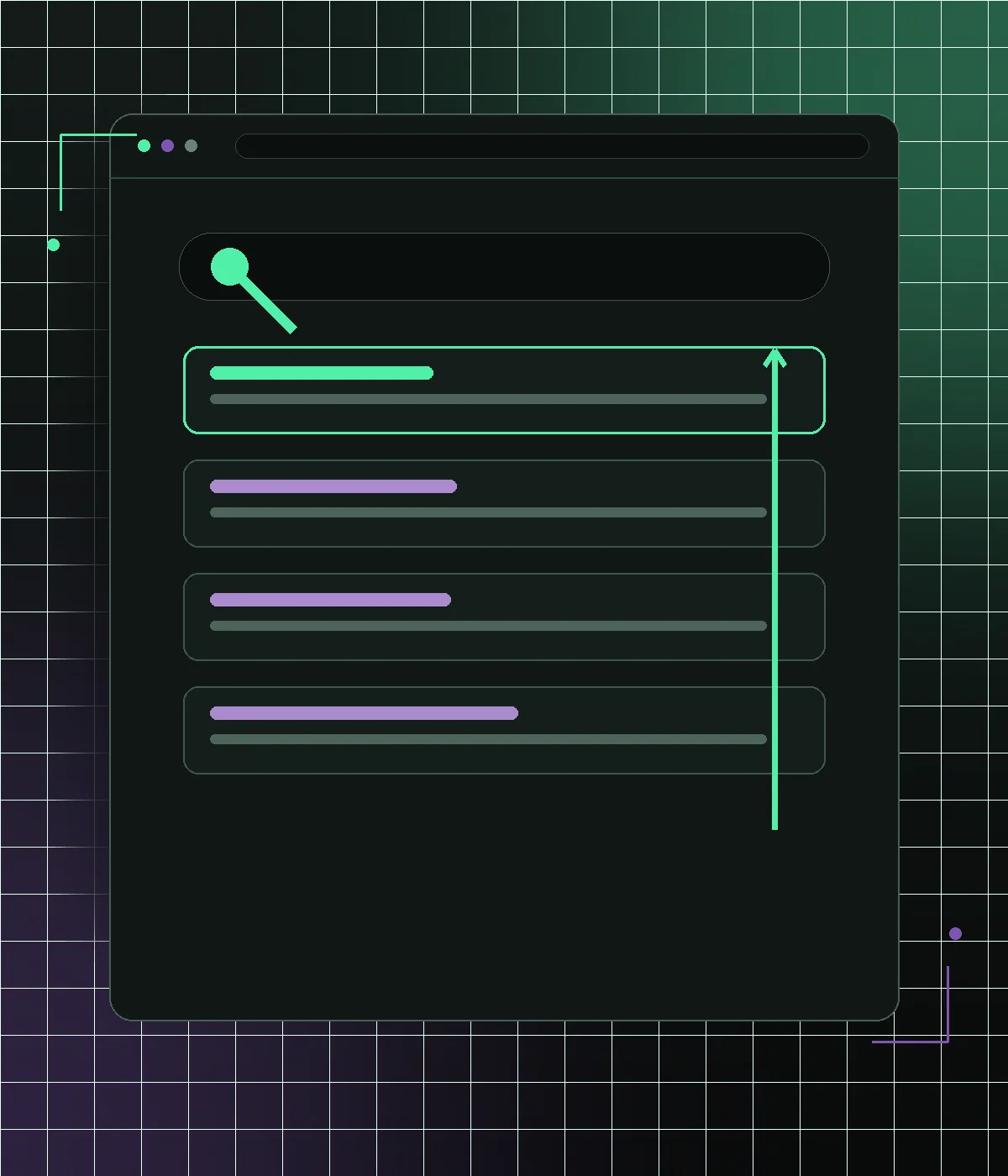
When an online store doesn't show up on Google, check three things in order: whether Google has indexed it at all, whether something on the site tells search engines to stay out, and whether a page exists for the phrase shoppers actually type. Invisibility is usually four or five separate problems stacked on top of each other. Rebuilding pages before you know whether Google can crawl them wastes months. So does buying links for a site that is quietly telling search engines to stay away. The cheapest and most decisive checks come first below, structural work later, and each one says plainly whether you can fix it yourself in an afternoon.
First question: does Google have your store at all
Before changing anything, find out whether Google holds your pages. Two checks take five minutes. Type site:yourdomain.com into Google — it is rough, but if it returns eight results for a four-hundred-product catalog, that is the shape of the problem. Then open Google Search Console, the free tool Google gives every domain owner, and look at the Pages report under Indexing. It splits every URL Google has seen into indexed and not indexed, with a reason attached to each bucket. If the property is not verified yet, do that before anything else; without it you are guessing about a system that will tell you what it thinks for free. A store that is not indexed has a crawling or blocking problem. A store that is fully indexed but gets no clicks has a relevance problem. Those are different jobs with different budgets.
- site:yourdomain.com for a rough count of what Google holds
- Search Console, Indexing, Pages: the real indexed vs not-indexed split
- URL Inspection on one product URL and one category URL
- Performance report: no impressions at all, or impressions with no clicks
Check what is telling search engines to stay out
If the shop is genuinely absent, assume it is blocked until proven otherwise, because that is the most common cause and the cheapest to fix. Open yourdomain.com/robots.txt and read it: a leftover Disallow: / from launch week will hide everything. Check WordPress under Settings, Reading, where the checkbox labeled "Discourage search engines from indexing this site" does exactly that and survives going live more often than anyone expects. SEO plugins add their own per-post and per-archive noindex toggles that someone may have flipped on categories or products. Staging is the other classic. A site built on a staging subdomain and copied to production can carry the noindex directive across, while the staging copy itself stays crawlable and competes with the real store. URL Inspection in Search Console reports each of these plainly, per URL, in Google's own words.
- robots.txt still carrying Disallow: / from before launch
- WordPress, Settings, Reading, "Discourage search engines" left checked
- SEO plugin noindex applied to products, categories or whole archives
- A staging domain still live, indexed and duplicating the real catalog
How to read Pages, Not indexed without panicking
The Not indexed list looks alarming and most of it is normal. Learn four labels and you can triage it yourself. "Excluded by noindex tag" and "Blocked by robots.txt" are alarms — those are your instructions, and Google is obeying them. "Discovered, currently not indexed" means Google found the URL and has not spent the crawl on it yet, which usually points at a slow server or too many low-value URLs competing for attention. "Crawled, currently not indexed" is harsher: Google fetched the page, read it and decided it was not worth storing, which normally means thin or near-duplicate content. "Alternate page with proper canonical tag" and most redirect entries are healthy and need no action. Sort by count, work top down, and ignore the categories that are working as designed.
There may be no page for the way people search
Plenty of stores are perfectly indexed and still invisible, because the phrase shoppers type has no page to match. Someone searching for waterproof hiking boots for women needs a page about waterproof hiking boots for women. If your catalog only has broad parent categories and individual products, Google has a homepage, a wide category and forty product pages, none of which are about that phrase. Individual products rarely win those searches; the page type built for them is the category or collection. The work is unglamorous: decide which real searches deserve a landing page, create the category or filtered collection behind a clean static URL, and give it a genuine heading, an introduction that answers the question and a sensible internal name. That is the core of category page SEO, and it is usually the single biggest missing piece.
Filter URLs quietly eat the crawl
WooCommerce stores generate URL variations without anyone deciding to. Add color, size, price ordering and pagination and one category becomes thousands of near-identical addresses. Google will crawl a large share of them, find nearly the same product grid each time, index none of them, and reach your genuinely new product pages more slowly. This is what "Discovered, currently not indexed" often means on a big catalog. The fix is a decision, not a plugin: choose the handful of facet combinations that match real demand and let those be indexable static URLs, then canonicalize or block the rest. Keeping product filters instant and shareable serves shoppers, while the crawl budget goes to pages that can actually rank. Sorting and pagination parameters almost never deserve their own place in the index.
- One category multiplied into thousands of parameter URLs
- Sorting and pagination variants competing with the page itself
- Session, tracking and add-to-cart parameters crawled as real pages
- New products discovered slowly because crawl attention is spent elsewhere
Indexed, but never the result Google chooses
Once pages are in the index, two things decide whether they get shown. The first is what Google can understand: product structured data, which Google's own product markup documentation asks for, gives a machine-readable name, price, availability and image. Without it Google guesses, and your listing cannot qualify for the richer result formats that carry price and stock. The second is the mobile experience. Google publishes explicit Core Web Vitals thresholds, and a WooCommerce theme carrying thirty plugins usually misses them on a phone. Speed is rarely the reason a store is invisible — it is a tiebreaker between pages that are otherwise comparable, and it matters far more for the humans who leave before your page paints. Fixing Core Web Vitals matters, but it will not rescue a page that is blocked or does not exist.
Nothing points at your deep pages, and nothing changes in WooCommerce
Google reaches pages by following links, and weighs them partly by what links to them. If a category is only reachable through a dropdown menu, or a product sits five clicks from the homepage with nothing linking to it, both crawling and ranking suffer. Internal linking is the part you fully control: related products, real breadcrumbs, category pages that link to their siblings, articles that link to the collections they discuss. External links are the part you cannot manufacture honestly, and anyone selling them is selling you risk. None of this asks you to leave WooCommerce. Products, stock, prices, orders, coupons, tax rules and checkout stay in WordPress and stay the source of truth. What we rebuild is the layer Google reads: URL structure, templates, headings, canonicals, structured data, internal linking, and how fast the HTML arrives.
What nobody can promise, and when not to hire anyone
Search results move slowly. Blocking fixes can restore indexing within days, but new or rewritten category pages usually take weeks to be crawled and several months to settle into a stable position, and seasonality muddies the reading further. Anyone promising position one for a competitive term is either guessing or planning something you will regret. There are also cases where you should not hire anyone yet. If the whole problem is a checked box in WordPress, uncheck it and wait. That is a free fix. If the domain launched last month, some of what you are seeing is simply time, and nobody can be paid to compress it. If the store is indexed, ranking and getting impressions but no clicks, the issue is titles, price or demand, not technical SEO. Read the Search Console evidence first, then decide whether the remaining work justifies what an engagement costs.
Frequently asked questions
How much does it cost to fix a store that is not showing on Google?
Engagements start at $1,999, and the honest answer depends on which layer is broken. A blocking or robots.txt problem is often a small fixed piece of work; missing category structure, duplicate filter URLs and structured data across a large catalog is a project. We look at Search Console before quoting so the scope matches the actual cause.
How long until my store shows up on Google after a fix?
Days, if something was blocking indexing: pages can return soon after the block is removed and the URLs are resubmitted. New or restructured category pages typically need weeks to be crawled and a few months to reach a stable position. No one can shorten Google's evaluation period, only stop wasting it.
Will SEO fixes break my WooCommerce store?
No. Products, orders, stock, coupons, tax and checkout stay in WooCommerce exactly as they are, and your team keeps the admin it already knows. The work happens on the storefront layer and on the signals Google reads. Where URLs must change, they are redirected so existing rankings and links carry over.
Can I check why my store is not on Google myself?
Yes, and you should. Verify Google Search Console, open Indexing then Pages, and read the not-indexed reasons. If you see noindex or robots.txt entries, that is a self-fixable configuration problem. If pages are indexed but nothing ranks, the problem is content and structure, which is where outside help is worth paying for.
Ecommerce SEO services
Ecommerce SEO services for WooCommerce: crawlability, category architecture, buying-intent content and earned links. From $1,999, judged on non-brand orders.
Category page SEO
WooCommerce category page SEO: which filter pages to index, noindex vs robots.txt for faceted URLs, pagination and canonicals, and category copy that ranks.
WooCommerce SEO migration
WooCommerce SEO migration for a new frontend: keep URLs, Yoast or Rank Math metadata and Product schema, map every 301 and verify staging before launch.
See how many sales your store is losing
Start with a free speed audit. You'll get your store's real numbers and an honest recommendation — even if it's "you don't need us".