Slow WooCommerce store? Start with the honest diagnosis path
A practical route for store owners who need to know whether hosting, caching, theme bloat, plugins or the frontend architecture is the real speed ceiling.
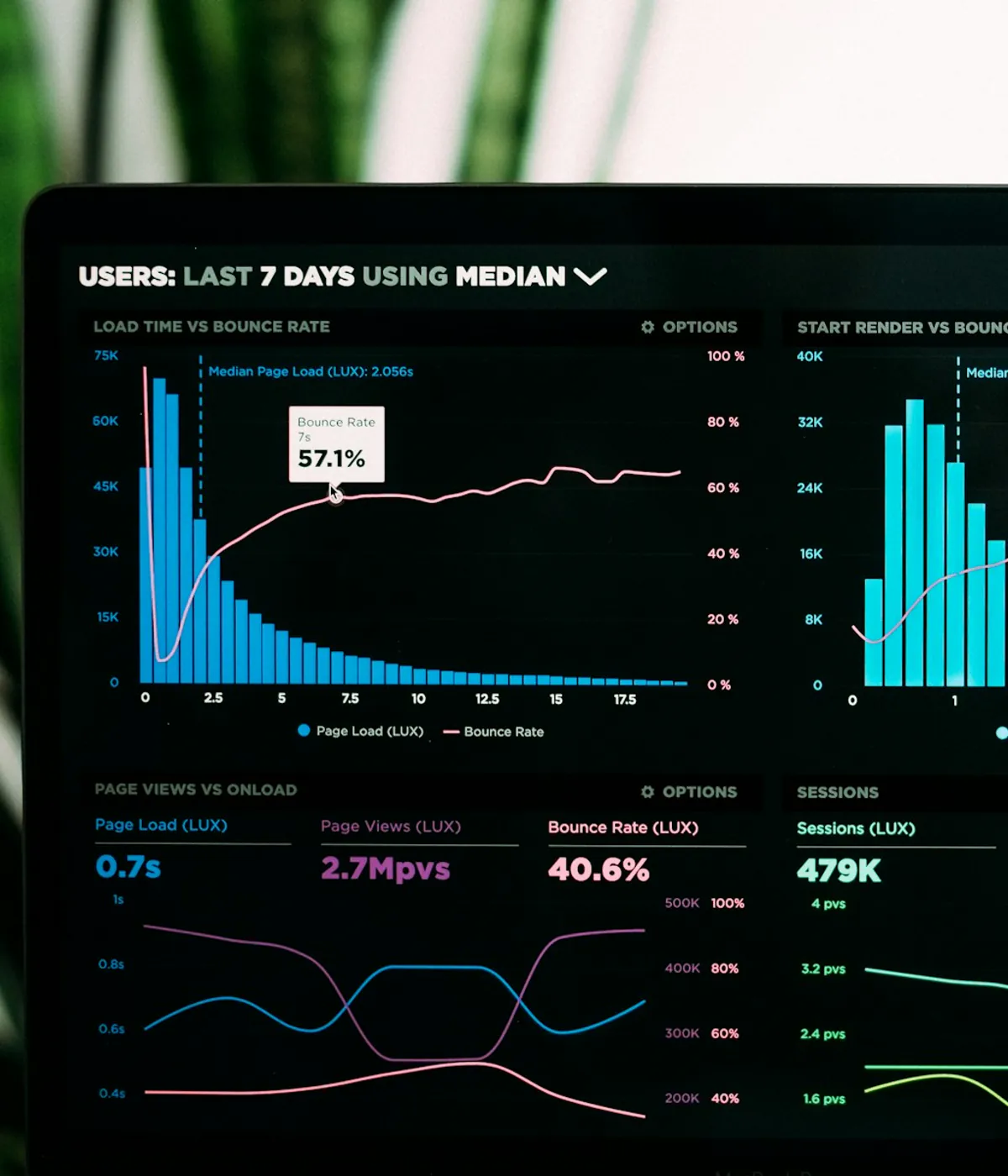
A slow WooCommerce store is not always a WooCommerce problem. The bottleneck can be TTFB, hosting, object caching, a heavy theme, AJAX filters, image weight, third-party scripts or plugins that render too much on the frontend. NextWoo starts with measurement so you know whether to tune the current stack or replace the customer-facing layer with a faster storefront.
Find the real bottleneck before rebuilding
The first step is to separate backend delay from frontend weight. If the server waits too long before sending HTML, the issue may be hosting, PHP workers, MySQL queries, object caching or plugin logic. If HTML arrives quickly but the browser still struggles, the bottleneck is more likely theme CSS, JavaScript, images, layout shifts or third-party scripts. We use PageSpeed Insights, our own speed check, Lighthouse, waterfall views, Query Monitor and template checks to avoid guessing. A slow WooCommerce store can have multiple problems, but one usually sets the ceiling. Fixing the wrong layer wastes budget and often creates a false sense that every store needs a rebuild.
- TTFB above the expected range points toward hosting, PHP, database or cache misses
- Large JavaScript and CSS bundles point toward theme and page-builder weight
- Slow category filtering often points toward AJAX filters, queries and frontend state
- Image-heavy product pages need media optimization before architectural conclusions
- Third-party reviews, chat and tracking scripts must be measured as part of the page
What cheap fixes solve and where they stop
Some WooCommerce stores do not need a new storefront yet. Better caching, CDN configuration, image compression, lazy loading, database cleanup, plugin pruning and hosting changes can deliver a meaningful improvement when the current theme is not the main ceiling. These fixes are worth doing first when the catalog is small, traffic is modest and the store has not already accumulated years of builder modules. The limit appears when the browser still downloads too much theme code, the mobile main thread stays busy and category or product pages remain slow even after sensible tuning. At that point another optimization plugin may only polish the same heavy baseline.
- Use page caching and object caching where dynamic cart behavior allows it
- Compress and resize product images instead of relying only on lazy loading
- Remove unused marketing, review, slider and builder plugins from public templates
- Move static assets through a CDN if geography and cache headers justify it
- Re-test mobile category and product pages after each fix, not only the homepage
When the WooCommerce theme becomes the ceiling
A theme becomes the ceiling when the store has already applied reasonable hosting, caching and image fixes but mobile pages remain heavy. The signs are familiar: green or acceptable desktop scores, red mobile Core Web Vitals, large render-blocking files, long JavaScript tasks, unstable product grids and slow interactions after the page appears. WoodMart, Flatsome, Elementor-heavy builds, WPBakery shortcode templates and older custom themes can all reach this point for different reasons. WooCommerce can also add dynamic work through product queries, cart fragments, tax, shipping, coupons and checkout validation. The problem is not that the backend cannot sell products; it is that the presentation layer and unnecessary frontend plugin work send too much work to the browser. NextWoo is relevant when the customer-facing layer is the constraint and the team still wants WooCommerce for products, orders, checkout and operations.
- Desktop looks fine but mobile LCP or INP keeps failing
- Category pages load global widgets that are not used on the current page
- Product galleries, swatches, filters and sliders compete on the main thread
- Caching improves repeat visits but first-time mobile shoppers still wait
- The team wants a redesign but cannot risk a full move away from WooCommerce
Two paths from here: tune the stack or replace the frontend
After diagnosis, the store usually has two realistic paths. The first is to tune the existing WooCommerce stack: hosting, cache rules, theme settings, image handling, plugin cleanup and selected template changes. This is the right move when the current frontend still has headroom. The second path is to keep WooCommerce as the backend but replace the public theme with a Next.js storefront. That path makes sense when the theme is the bottleneck, the store has organic or paid traffic worth protecting and the business wants a faster redesign without replatforming. NextWoo does not treat migration as the default answer; the audit decides whether the current stack deserves another pass first.
- Choose tuning when the theme is manageable and the biggest issue is hosting or media weight
- Choose a storefront replacement when mobile UX remains poor after sensible fixes
- Keep native WooCommerce checkout if payment and tax plugins are business-critical
- Protect SEO with URL parity, metadata checks, redirects and Search Console monitoring
- Scope migration in phases if the catalog, plugins or templates are unusually complex
Get the numbers first
A speed audit should give you numbers that explain the decision, not a sales pitch. For a slow WooCommerce store, we review key templates, mobile Core Web Vitals, TTFB, request waterfalls, image weight, JavaScript execution, plugin output and checkout constraints. The report separates quick wins from structural blockers so you can decide whether to optimize the current theme, prepare a redesign or move the storefront to Next.js. We also look at business risk: organic traffic, paid acquisition, peak season, checkout plugins, tax handling and operations. A store with no traffic may be better served by simple tuning; a store paying for traffic every day may need a cleaner frontend sooner.
What stays safe if the frontend changes
Replacing the frontend does not mean throwing away WooCommerce. Products, prices, stock, coupons, orders, customers, emails, taxes and the admin workflow can remain in WordPress. The default NextWoo approach uses a hybrid checkout so payment gateways, shipping rules, sales tax plugins and WooCommerce order creation continue through the native checkout path. That matters for slow stores because performance work should not create operational risk. The visible catalog, product pages, navigation, filters and cart experience can become faster while the parts that already run the business stay familiar. The audit confirms which plugins are backend-safe, which render on the frontend and which need special handling before any build starts. The audit decides this, not the symptom. Hosting and database constraints do not respond to a storefront rebuild, and we will not quote one for them.
Frequently asked questions
Why is WooCommerce so slow on mobile?
Mobile devices have less CPU headroom, so heavy theme JavaScript, render-blocking CSS, large images, sliders, filters and third-party scripts hurt more than they do on desktop. Hosting can also matter, but many mobile failures come from frontend weight.
Will better hosting fix my slow WooCommerce store?
Better hosting helps when TTFB, PHP workers or database queries are the main bottleneck. It will not remove unused theme JavaScript, layout shifts or heavy images. The right answer depends on a waterfall and template audit.
Should I use WP Rocket before rebuilding?
Usually yes, if the store has not already been tuned. Caching and asset optimization are useful first steps. If the site remains slow after sensible settings and cleanup, the theme or frontend architecture may be the ceiling.
How much does a WooCommerce speed diagnosis cost?
NextWoo starts with a free audit to identify whether the store needs tuning, a frontend redesign or a deeper migration. Paid implementation depends on scope, catalog complexity, plugin risk and whether the current theme can be kept.
Can I keep WooCommerce checkout if the storefront changes?
Yes. The hybrid approach keeps native WooCommerce checkout for payments, shipping, taxes and order creation, while the public storefront becomes faster. That reduces risk for stores with important checkout plugins.
Лишний вес плагинов
How WooCommerce plugin bloat, cart fragments, product widgets, filters, tax, shipping and checkout logic slow stores down, and what to fix first.
WPBakery тормозит WooCommerce
Why WPBakery and WooCommerce stores become slow on mobile, how it differs from Elementor or WoodMart issues, and when a Next.js storefront helps.
WooCommerce speed optimization
When caching plugins aren't enough: rebuild the WooCommerce frontend for real speed. Faster category, product and checkout pages. Start with a free audit.
Traffic but no sales
Visitors but no conversions? Work through eight causes in order, from the cheapest to check to the most expensive to fix, each with a one-hour verification.
Peak season readiness
A calendar for peak season: what to change six weeks out, what to freeze two weeks out, what to rehearse in the final week, and what to watch on the night.
See how many sales your store is losing
Start with a free speed audit. You'll get your store's real numbers and an honest recommendation — even if it's "you don't need us".