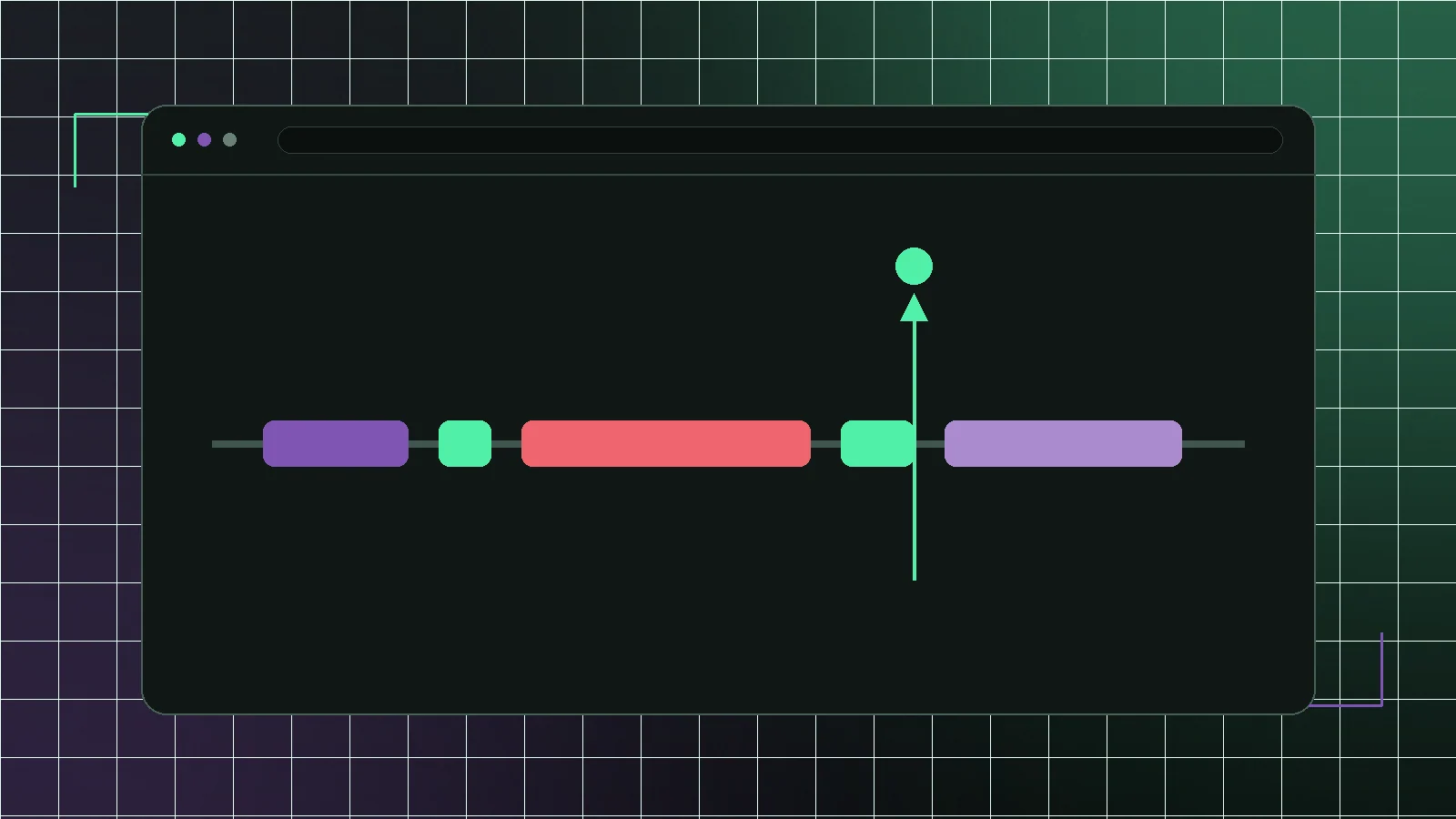
Interaction to Next Paint measures how quickly a page responds after a real user action. For WooCommerce stores, INP is often the metric that explains why a page can look loaded but still feel sticky. A category page appears, but filters hesitate. A product page renders, but variation selection lags. A cart drawer opens late. A checkout field feels delayed on mobile.
Unlike TTFB or LCP, INP is rarely fixed by only improving hosting or compressing images. It is usually caused by main-thread work in the browser: theme scripts, page builders, product widgets, filters, cart fragments, reviews, analytics, consent tools and payment scripts all trying to run when the shopper interacts.
How to measure INP before you change anything
INP is a field metric, so the figure that counts comes from real visitors, not a single lab run. The Core Web Vitals report in Search Console and the CrUX data behind PageSpeed Insights show your real INP grouped by page type. Use those to find which templates are failing, then reproduce the slow interaction locally in Chrome DevTools to understand why.
It helps to know that INP has three parts: input delay (the main thread was busy when the tap landed), processing time (your event handlers running), and presentation delay (the browser painting the result). Most WooCommerce INP problems are input delay and processing time — the main thread was already busy, or a handler did too much work at once. The DevTools Performance panel shows each as a block you can point at, which turns “the page feels slow” into a specific long task you can actually fix.
Start with the interactions that affect revenue
Do not optimize every click equally. A slow accordion in the footer costs nothing; a 400 ms delay on a variation selector costs a sale. Test the revenue-bearing interactions on a mid-range Android profile with 4× CPU throttling, not on a developer laptop where every one of them passes.
- Category filters and sort controls, where a slow response reads as a broken page
- Variation selectors and gallery changes, which gate the add-to-cart decision
- Add-to-cart buttons and mini-cart drawers, the moment intent turns into an order
- Coupon, shipping and tax recalculation, where the total the shopper committed to changes
- Checkout field validation and payment method switching, the last place to lose someone
Reduce JavaScript before delaying it
Delay and defer rules help only after the store stops loading unnecessary code. If a theme ships carousel, popup, wishlist, compare and animation scripts to every product page, delayed execution may just move the long task closer to the first interaction. Remove or scope scripts before relying on timing tricks; the Coverage panel in DevTools reports what share of that bundle a product page ever executes.
Break up the long tasks that remain
After you remove unnecessary code, the interactions that still lag usually have one long task doing everything at once. Three techniques help. First, do the visible work first and defer the rest: flip the button state immediately, then let analytics and recommendation calls run afterwards. Second, yield to the main thread between chunks so the browser can paint, where a single large loop blocks it throughout. Third, debounce rapid inputs — typing in a coupon field, dragging a price slider — so handlers do not fire on every keystroke. The aim is that the shopper always sees an instant response, even if some work finishes a moment later.
Watch WooCommerce fragments and AJAX calls
Cart fragments, admin-ajax requests and plugin AJAX handlers can make interactions wait for network and JavaScript work. Some stores trigger cart refresh logic on pages where the cart is not visible. Others run filter requests with heavy DOM replacement. Measure what happens after the click, not only during page load.
Product filters are a common INP bottleneck
Layered navigation, AJAX filters and faceted search can become expensive when they update many product cards, counts, URLs, badges and scroll positions at once. A better pattern is to keep controls responsive immediately, show a clear pending state and limit DOM replacement to the smallest necessary region.
Variation-heavy product pages need special care
Variable products often combine image swaps, stock checks, price updates, reviews, recommendation widgets and analytics events. Every variation change fires WooCommerce's own found_variation and show_variation events, and each plugin that listens adds work to the same tap — so the page feels broken while the backend is perfectly healthy. Audit event handlers and remove duplicated plugin behavior on staging.
Third-party scripts can ruin otherwise good templates
Chat, heatmaps, reviews, affiliate tags, consent banners and personalization tools can all attach listeners and run work during user input. Keep only the scripts that justify their cost on revenue pages. Load campaign-specific scripts only where campaigns need them.
A quick INP self-check
For a fast read on your own store, work through this on a throttled mobile profile in Chrome DevTools:
- Open a category and tap a filter — does the control respond at once, or freeze first?
- On a product page, switch variations quickly — do price and image update without a stall?
- Add to cart and open the mini-cart — is there a visible delay before it appears?
- In checkout, switch payment methods and focus fields — do they react instantly?
- Record each in the Performance panel and look for a single long task over 200 ms
Wherever you find a stall, the fix is one of the patterns above: remove the script, scope it to the template that needs it, or break its work into smaller pieces that yield to the main thread.
When a storefront migration helps INP
A Next.js storefront helps when the WooCommerce backend can stay, but the theme and builder layer keep generating unavoidable main-thread work no amount of scoping removes. Because a headless storefront ships only the JavaScript a page needs and hydrates interactions selectively, the browser starts each interaction with a far quieter main thread. The goal is not to move orders away from WooCommerce — it is to stop shipping global theme interactivity to every shopper on every page. It does not help when the slow interaction belongs to a third-party widget you intend to keep, because a chat launcher or review embed runs the same code on any frontend, and the only lever left is whether it loads before or after the shopper needs the page.
Good WooCommerce INP optimization is not a plugin checkbox. It is a budget for every interaction the shopper needs to complete a purchase.